01 · Inspect source
Check file size, pixels, and upload limit.
IMAGE TOOLS
Compress a photo toward 500KB for free and balance upload limits with image clarity.
COMPRESSION SETTINGS
Images are processed on your device.
COMPLETE
compressed-images.zip
HOW TO CHECK THE RESULT
500KB is a practical target for general online forms and email attachments. Check the actual upload limit, then open the result and compare its quality.
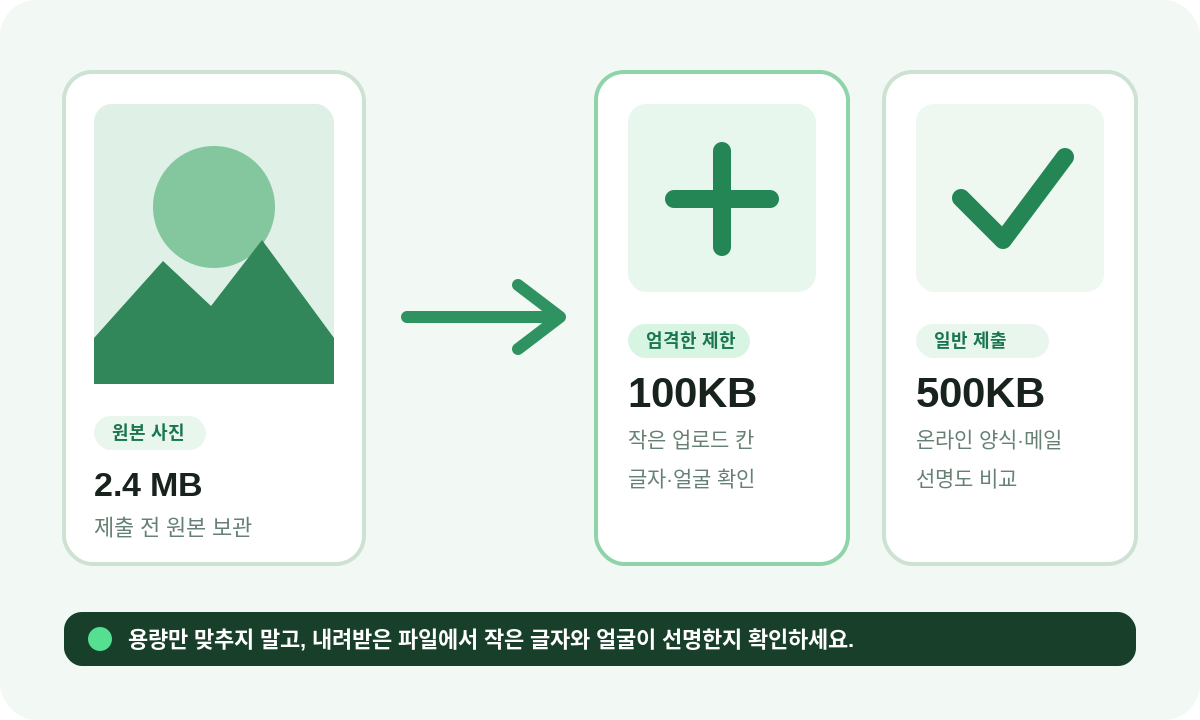
IMAGE COMPRESSION GUIDE
Compression is not only about meeting a number. Set a target slightly below the upload limit, then compare text, faces, and edges in the final image before use.
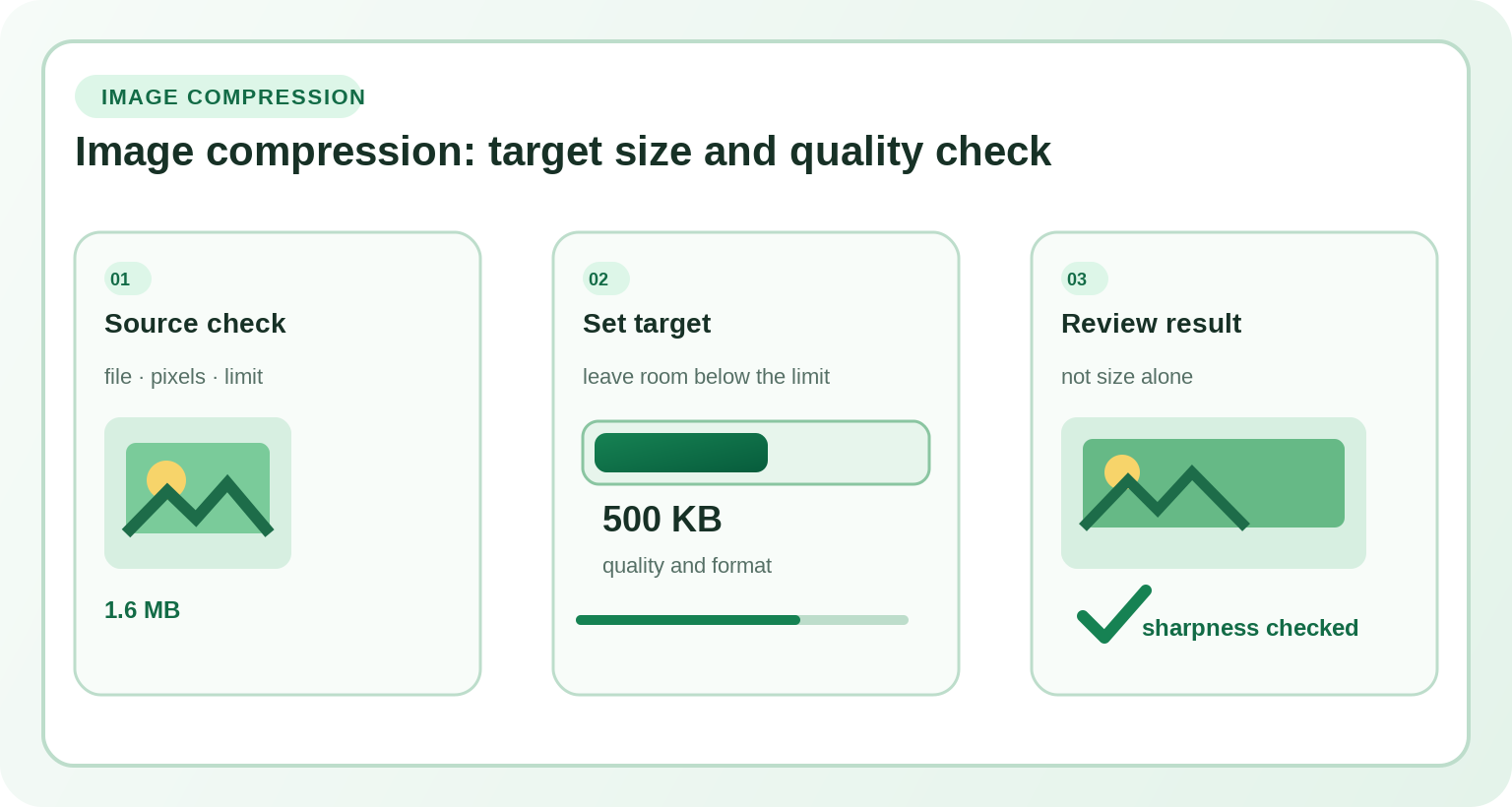
Check file size, pixels, and upload limit.
Choose 100 KB, 500 KB, or a custom target.
Check final size and sharpness at close view.