01 · Choose size
Select the ratio for the publishing destination.
Image tools
Resize a photo to an exact 1080×1080 Instagram square for free.
Resize settings
Use the first image as a reference, then set the dimensions you need.
Complete
resized-images.zip
IMAGE RESIZE GUIDE
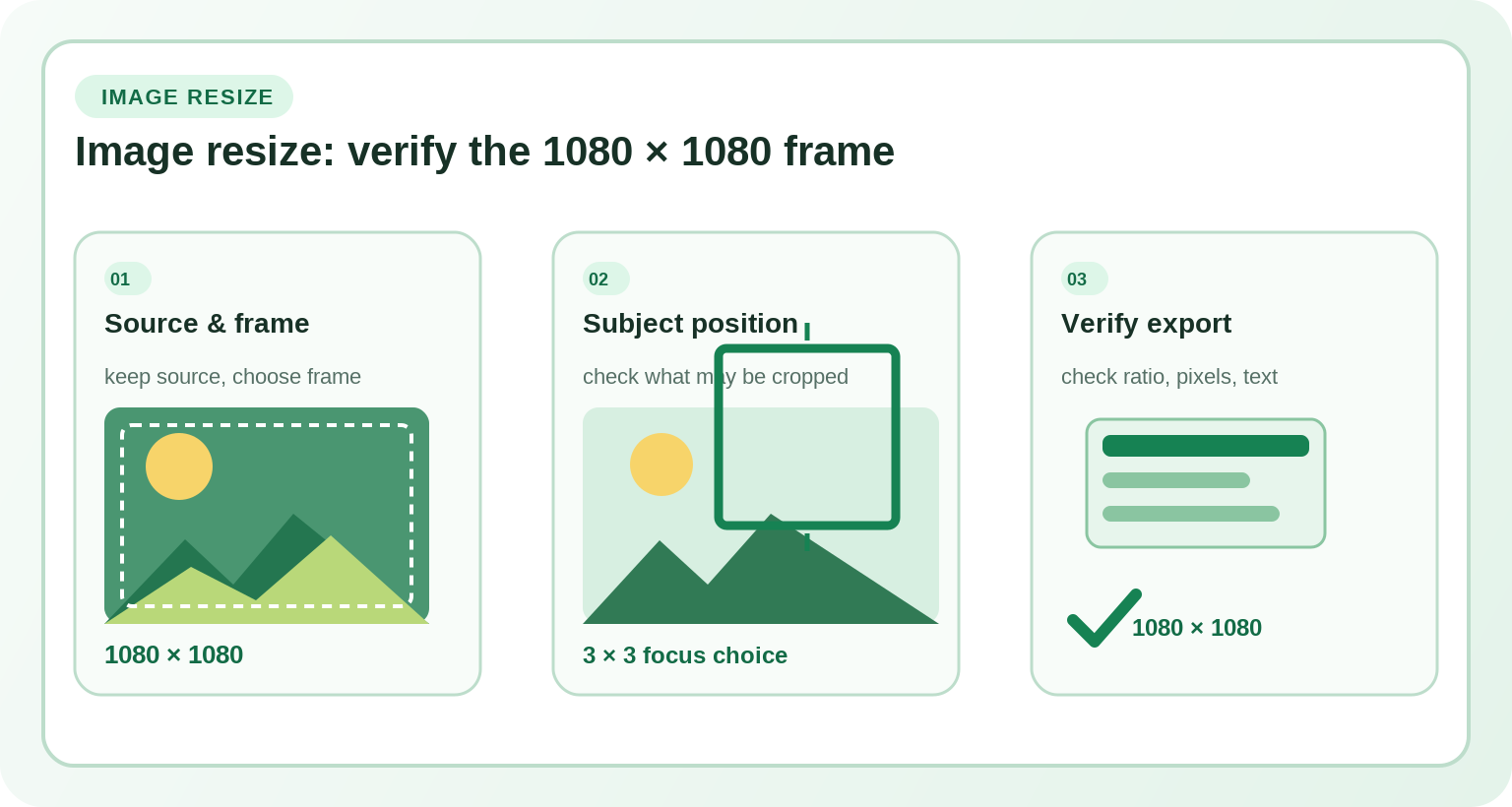
Resizing is more than changing width and height. Choose the right frame for square posts, portraits, stories, link previews, or landscape, then use the 3×3 focus position to keep important content visible.
Select the ratio for the publishing destination.
Use the 3×3 crop position to keep key content visible.
Check dimensions, ratio, and subject placement.
SQUARE IMAGE PREP
1080×1080 works well for square feeds and product images. Keep faces, products, and text closer to the center when the source has a different ratio. Use 1080×1350 for a taller feed post or 1080×1920 for a story or reel.
POPULAR SOCIAL & SHARE SIZES
1080×1080 is a widely used square size for Instagram feeds and square thumbnails. It uses a centered crop without stretching the source.
PIXELS AND FILE SIZE
Resizing changes an image’s pixel dimensions. Reducing a 4000px photo to 1200px can also reduce its file size, but it does not guarantee a specific KB result. If a form requires a file under 500KB, resize first and then use Image Compressor to check the final file size.
Keep it on for portraits, product photos, and logos so they do not look stretched. Turn it off only when you need an exact canvas, such as a square profile image or a 1920×1080 banner, then check the result for unwanted cropping or distortion.
No. BaroTool creates a new result file and leaves the original file unchanged.
This tool changes pixels. Use the image compressor after resizing when you need a target file size.
Images are processed with your browser’s canvas and the result is downloaded to your device.
PRACTICAL GUIDE
1080×1080 is a widely used square size for Instagram feeds and square thumbnails. It uses a centered crop without stretching the source.
Yes. The output frame is set to 1080 × 1080.
No. It keeps the source proportions and center-crops only when necessary.
Yes, although the top and bottom or sides can be cropped.