01 · Search & filter
Narrow results by use, orientation, and license.
FREE CC0 STOCK PHOTOS
Search CC0 photos, check the source and licence details, then download or open an image in Barotool’s editor.
Search for a CC0 photo to begin.
Only results marked CC0 by Openverse are shown. Still check the original page and third-party rights before publishing.
Use Edit image to open the selected photo in the browser image editor when the source allows browser download.
Results come from the Openverse API. Each result links to its original source page and licence detail.
Powered by the Openverse API. Barotool is not endorsed or certified by Openverse. Image licenses and third-party rights should be verified before use.
Search requests go directly from your browser to the Openverse API. Barotool does not copy or store the search catalogue.
FREE STOCK IMAGE GUIDE
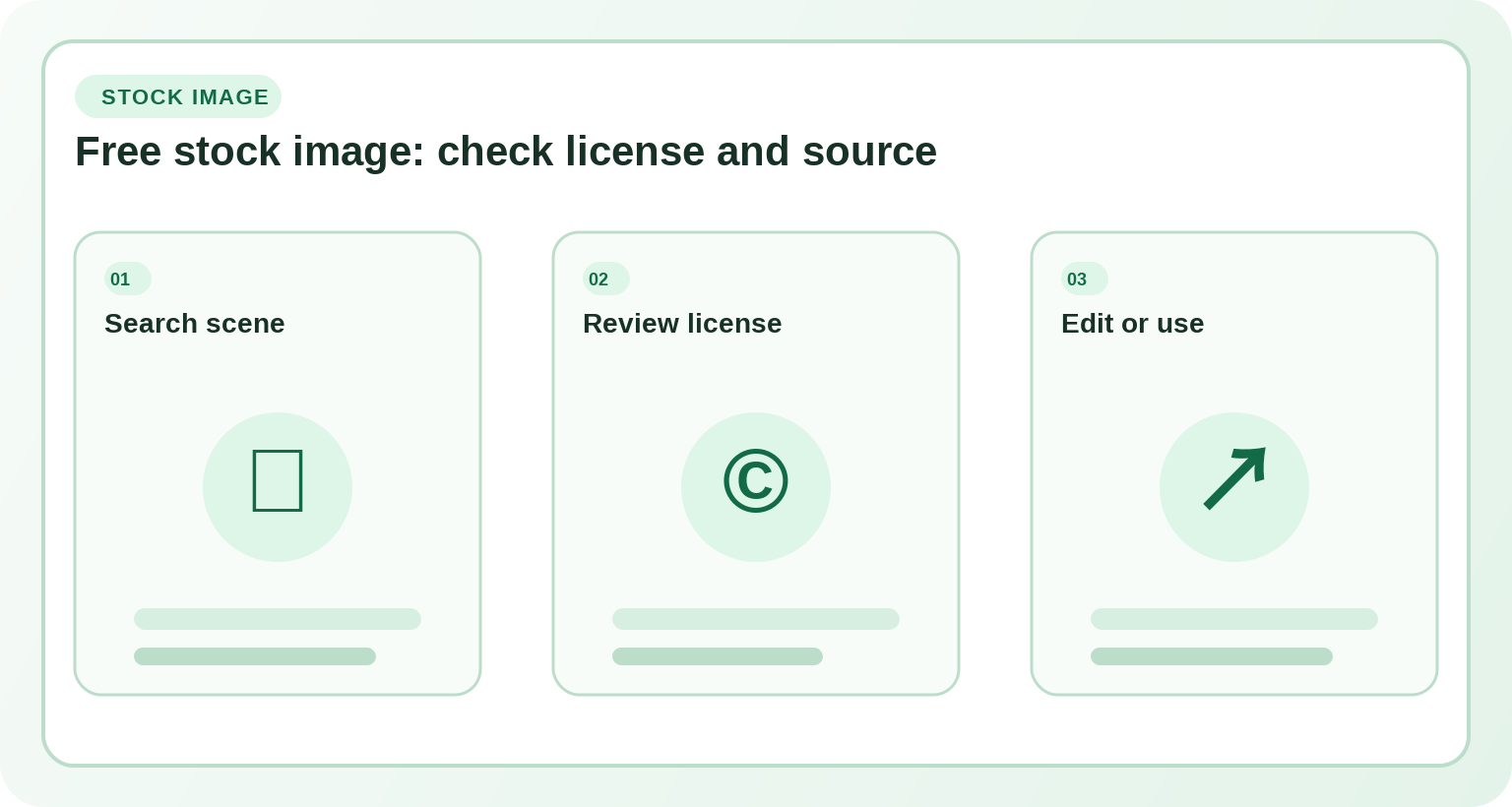
Even free images can have different licensing and source requirements. Search for the right scene, inspect license, creator, and source details, then open it in the image editor when appropriate.
Narrow results by use, orientation, and license.
Review license, creator, source, and dimensions.
Check conditions before viewing source or opening editor.