With or without spaces
Use the total count for overall length, or the count without spaces when a form explicitly excludes them.
SIMPLE TOOL
Count characters with or without spaces, words, and lines as you type.
Your text is never sent to a server.
Paste the final version of an application, social post, product description, or message to check its length. Rules differ by destination, especially around spaces and line breaks, so leave some room when you are close to a limit.
Use the total count for overall length, or the count without spaces when a form explicitly excludes them.
Check words and lines in the same place when a document or post has a formatting requirement.
CHARACTER & BYTE COUNTER GUIDE
The same sentence can use different byte counts with non-Latin characters and emoji. Confirm the limit, clean whitespace and line breaks, then copy the final text.
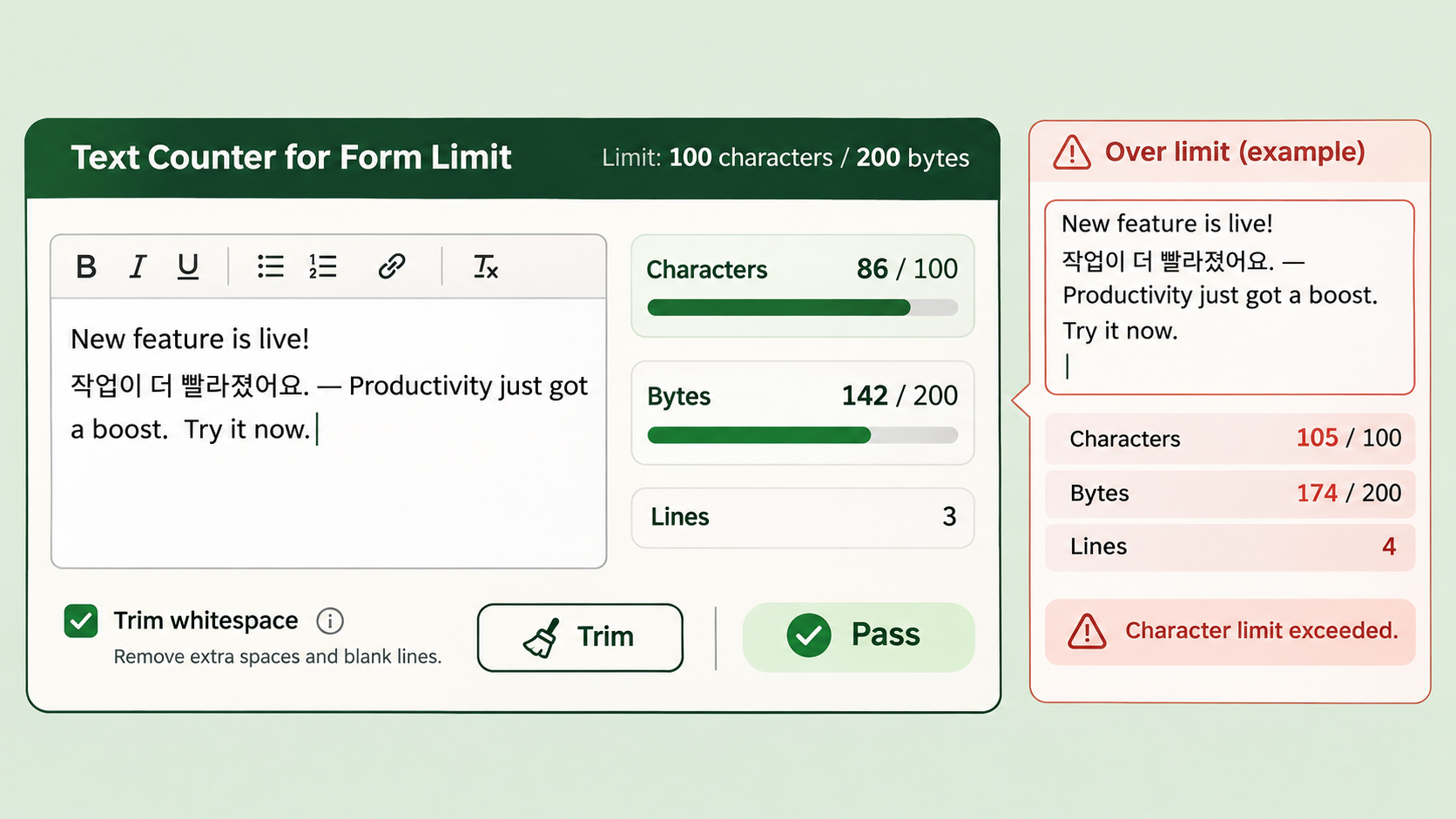
Paste the exact text you plan to submit.
Check character, byte, and line counts against the limit.
Trim excess whitespace and line breaks before use.
PRACTICAL GUIDE
The tool shows both characters with spaces and characters without spaces, so you can use the rule required by the destination.
A line break can be counted as a character. Paste the final text you intend to submit to check it.
No. Counting happens in your current browser and text is not stored on BaroTool servers.